Repair or Replace? The Real Cost Math Behind Your Robotic Pool Cleaner's Lifespan

Introduction
Most pool owners only start thinking about their robotic pool cleaner's lifespan the moment something goes wrong — a battery that won't hold a charge, a brush that's stopped spinning, a unit that suddenly stalls halfway across the pool floor. At that point, the question isn't really "how long do these things last" anymore. It's much more practical: is this specific problem worth fixing, or is it time to retire the unit and buy a new one?
That's a different question, and it deserves a different kind of answer. Instead of a single average lifespan number, this guide breaks down what actually wears out on a robotic pool cleaner, what each type of repair realistically costs, and where the break-even point sits between fixing your current unit and replacing it outright.
Why "How Long Does It Last" Is the Wrong First Question
Manufacturers often quote a lifespan range for a pool robot, but that number describes an average across thousands of units in different climates, pool chemistries, and usage patterns. It doesn't tell you anything about the machine sitting in your garage right now, with its specific battery cycle count, its specific filter condition, and its specific repair history.
A more useful framing is this: a robotic pool cleaner doesn't fail all at once. It fails one component at a time, and each component has its own cost to replace. Whether repair makes sense depends entirely on which part failed, how old the unit is, and what a comparable new model costs today.
Understanding Your Robotic Pool Cleaner's Wear Curve
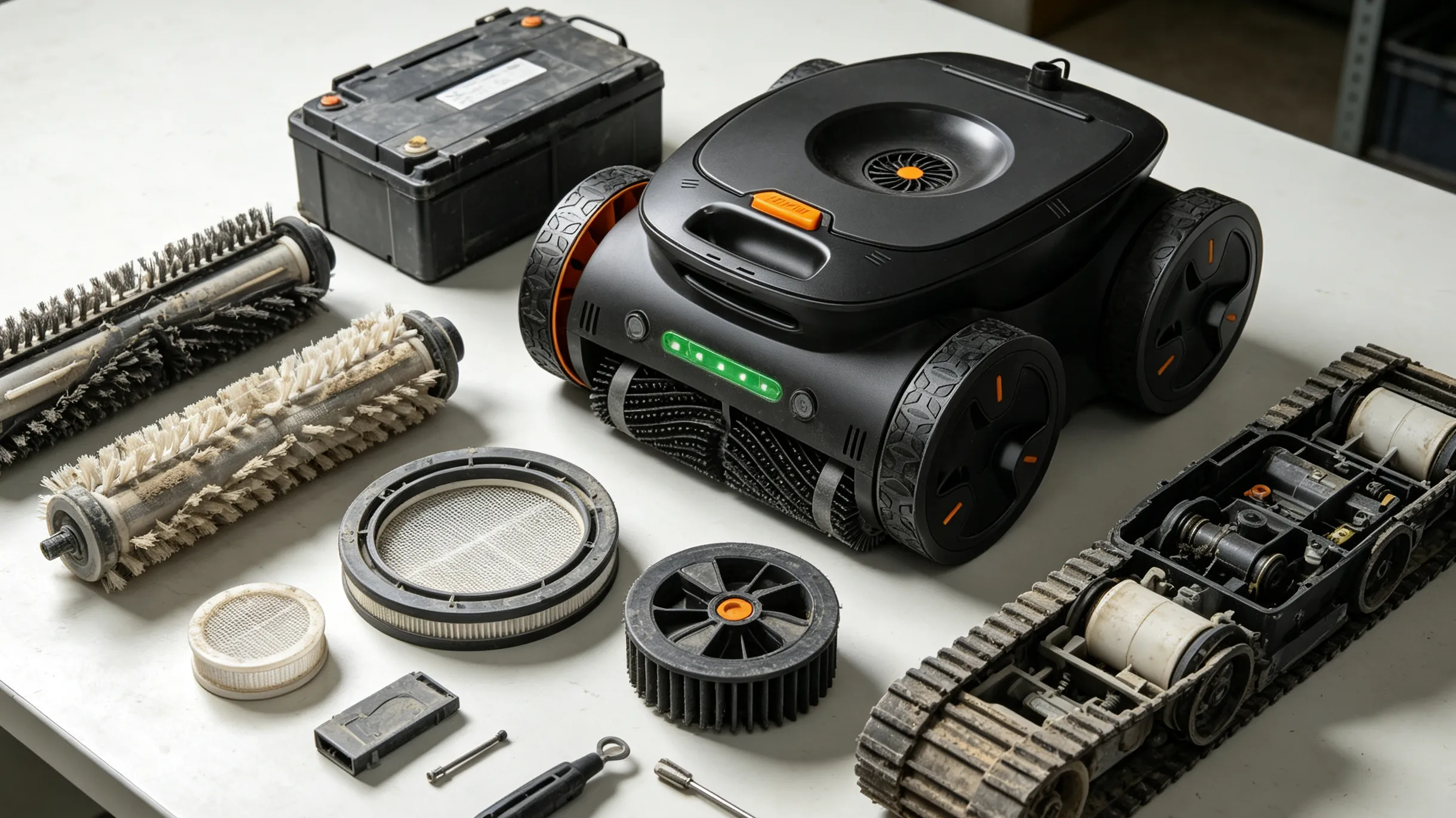
Before you can decide whether a repair is worth it, it helps to know which parts wear out first and which ones tend to outlast the rest of the machine.
Battery Degradation Timeline
For any cordless pool robot, the battery is almost always the first major component to show its age. Lithium-ion cells used in pool cleaners typically lose noticeable capacity after a few hundred charge cycles, which for a robot run two to three times a week often works out to two to four years before runtime drops enough to matter. Heat is the biggest accelerant here — units stored in direct sun or run in very warm water tend to see faster capacity loss than those kept in shaded, moderate conditions.
Filter and Brush Wear
Filter cartridges and scrubbing brushes are consumable by design. Fine-mesh filters that trap silt and algae spores gradually lose porosity and need replacing every one to two seasons depending on how much fine debris your pool collects. Brushes wear down through friction against pool walls and floors, especially on plaster or textured surfaces, and typically need swapping every season or two to keep scrubbing performance from dropping off.
Tracks, Wheels, and Drive Motors
The drive system — tracks or wheels plus the motors that turn them — tends to be more durable than the battery or filters, but it isn't immune to wear. Tracks can crack or stretch, especially in units left in the sun between cleaning cycles, and drive motors can develop bearing wear after several years of continuous operation. This is usually where the line between "quick fix" and "expensive repair" starts to matter, since motor assemblies cost more than a filter or a set of brushes.
Circuit Board and Sensors
The control board, along with the navigation sensors that help the unit map and move through your pool, is the least likely component to fail early but the most expensive to replace when it does. Water intrusion is the most common cause of board failure, usually from a worn door seal or gasket rather than a manufacturing defect. If diagnostics point to the board or sensor array, this is the single biggest factor pushing the decision toward replacement rather than repair.
The True Cost of Repair: What Parts Actually Cost
Repair costs scale roughly with how central the part is to the robot's core function. Filters, brushes, and caster wheels sit at the low end and are inexpensive, fast to swap, and rarely worth debating — replace them and keep using the unit. A replacement battery pack sits in the middle tier; it isn't cheap, but for a unit that's otherwise in good shape, it's usually still less than half the price of a new machine. Drive motors, track assemblies, and especially the main circuit board sit at the top of the cost range, and depending on the model, a board replacement alone can approach a significant fraction of what a new entry-level unit costs.
The True Cost of Replacement: What a New Unit Really Costs Over Time
Buying new resets the wear clock on every component at once, which has real value — but it's worth comparing that against what you're giving up. A unit you've owned for two years already has its battery, filters, and brushes broken in, and if it's been reasonably maintained, everything except the failed part is likely to have plenty of life left. Replacing the whole unit over one failed component means paying for a full new battery, full new filtration system, and full new drive system, even though most of those components in your current unit are still healthy.
The Break-Even Framework: When Repair Stops Making Sense
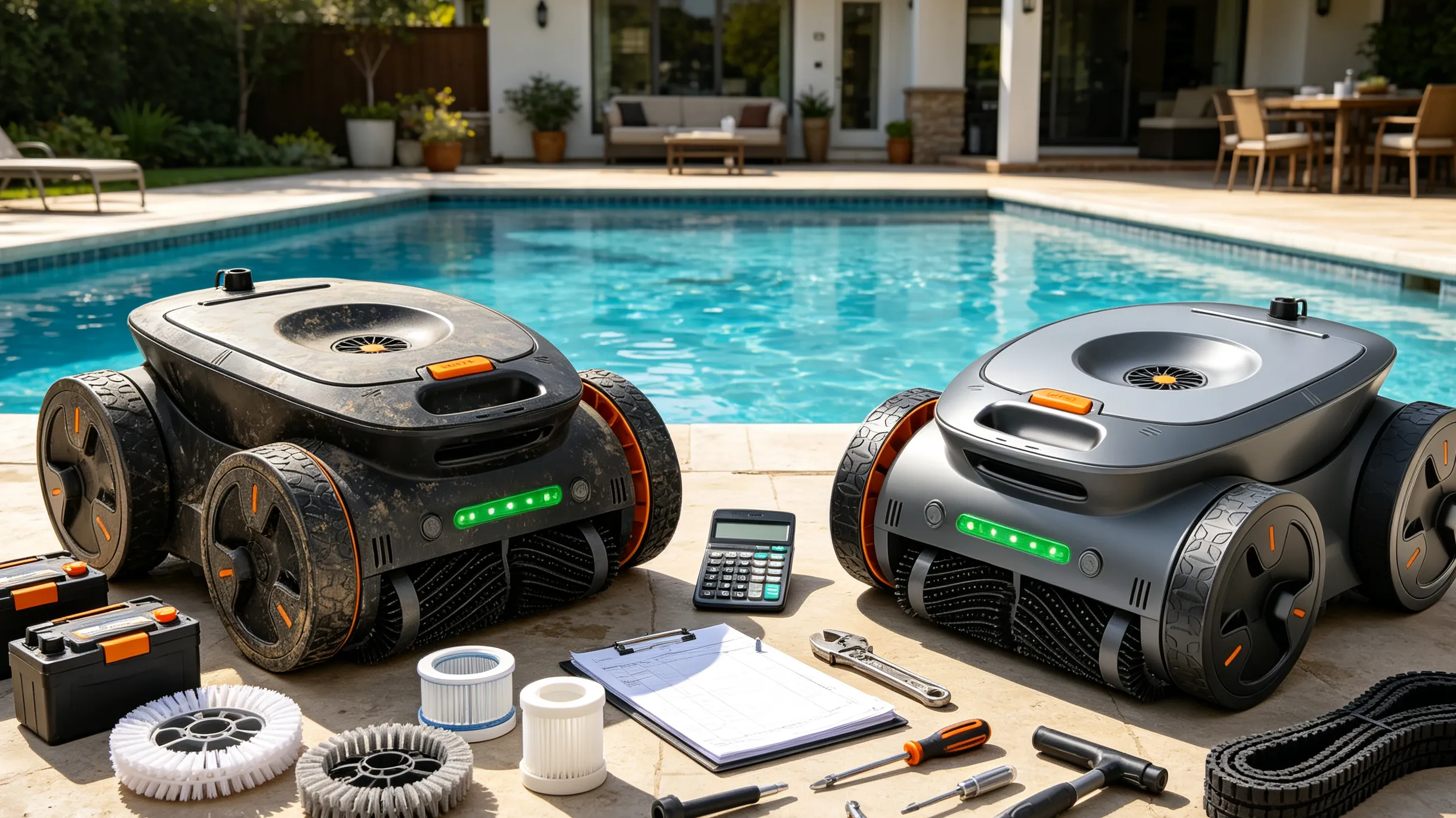
A simple way to think about it: compare the cost of the repair to the cost of a comparable new unit, then weigh that against how much service life you'd realistically get out of each option.
If a repair costs a small fraction of a new unit's price and the rest of the machine is under, say, three years old with no other issues, repairing almost always wins — you're paying a little to keep a mostly-healthy machine running.
If a repair costs half or more of what a new unit would cost, and the unit is already past the typical age where a second issue tends to show up, replacement usually makes more sense. You'd be paying most of the price of a new machine for a used one with unknown remaining life in its other components.
The gray zone sits in between, and that's where warranty status, how well you've maintained the unit, and whether newer models offer meaningful upgrades (stronger suction, wall-climbing and waterline scrubbing, better navigation) start to tip the decision one way or the other.
Real-World Scenarios: Three Repair-or-Replace Decisions
A two-year-old unit with a dead battery and everything else working normally is a clear repair case — a new battery pack is a fraction of replacement cost and restores full runtime.
A four-year-old unit with a failing drive motor and a battery that was already showing reduced runtime is a borderline case leaning toward replacement, since you'd likely be facing the battery repair again within a year or two of fixing the motor.
A six-year-old unit with water intrusion on the main board is almost always a replacement case, both because board repairs are expensive and because a unit that old has likely accumulated wear elsewhere that just hasn't failed yet.
How to Extend the Decision Window
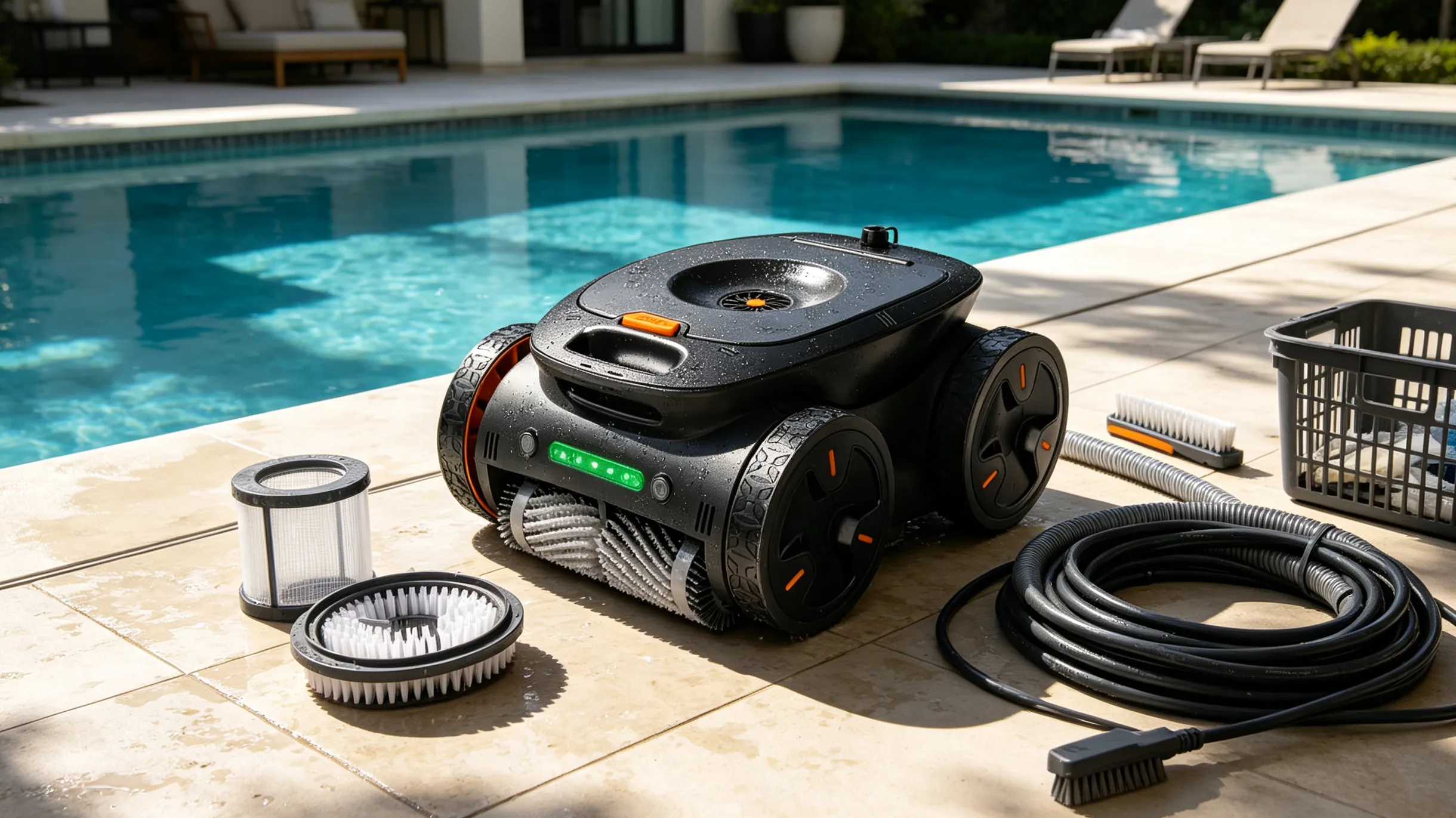
The best way to avoid facing this decision prematurely is straightforward maintenance. Learning how to maintain a robotic pool cleaner properly — rinsing the filter after every cycle, storing the unit out of direct sunlight between uses, checking door seals and gaskets for cracking, and avoiding letting the battery sit fully depleted for long periods — meaningfully slows down the wear curve described above. How often you run the pool cleaner matters too: running an energy-efficient pool robot on a shorter, more frequent schedule generally puts less cumulative strain on the battery and motors than long, infrequent sessions. None of this prevents eventual failure, but it does shift the timeline — and it keeps more components in "still healthy" territory when one part does eventually need attention, which keeps repair the cheaper option for longer.
Warranty Timing: Why It Changes the Math
None of the cost comparisons above matter if the failed part is still covered. Most manufacturers offer one to two years of coverage on the full unit, with some offering extended or separate coverage on the battery specifically, since it's the component most likely to degrade first. Units that meet recognized UL safety standards or equivalent certifications also tend to come with clearer, better-documented warranty terms, which makes this part of the decision faster. Before running any of the repair-versus-replace math, it's worth confirming warranty status — a repair that would otherwise be a close call becomes an easy decision when the part is covered.
Frequently Asked Questions
Q1: How long does a robotic pool cleaner usually last?
A: A robotic pool cleaner typically lasts several years, but the actual lifespan depends on usage frequency, maintenance habits, storage conditions, and the quality of individual components. Batteries, brushes, and filters usually wear out earlier than the main drive system or control board.
Q2: Is it worth replacing the battery in a robotic pool cleaner?
A: Replacing the battery is often worth it if the rest of the robotic pool cleaner is still in good condition. Since battery degradation is one of the most common issues with cordless models, installing a new battery can restore cleaning time at a much lower cost than buying a completely new unit.
Q3: When should I repair a robotic pool cleaner instead of replacing it?
A: Repair is usually the better option when the failed component is relatively inexpensive, such as filters, brushes, or batteries, and the cleaner is still relatively new. If the repair involves expensive parts like the motor or control board on an older unit, replacement may provide better long-term value.
Q4: What is the most common part to fail on a robotic pool cleaner?
A: The battery is one of the most common components to show signs of aging, especially in cordless robotic pool cleaners. Other frequently replaced parts include brushes, filters, tracks, wheels, and drive components because they experience regular wear during cleaning cycles.
Q5: How can I extend the lifespan of my robotic pool cleaner?
A: Regular maintenance is the best way to extend the lifespan of a robotic pool cleaner. Rinse the filter after use, replace worn brushes when needed, store the cleaner away from direct sunlight, check seals and cables regularly, and follow the manufacturer’s recommended maintenance schedule.
Conclusion
There's no single number that tells you how long a robotic pool cleaner will last, because it isn't one component with one lifespan — it's several components, each wearing out on its own schedule, each with its own repair cost. Running a simple cost-benefit analysis on the specific part that failed, rather than treating the whole unit as one aging block, is what actually saves you money. The real decision isn't "is my robot old," it's "is this specific repair worth it given this specific unit's age, condition, and warranty status." Filters, brushes, and batteries are almost always worth fixing. Motors and boards on an older unit usually aren't. Knowing which category your problem falls into is what actually saves you money — whether that means ordering a part or starting to shop for a new machine.