How Often to Run Pool Robot in Summer vs Winter: Seasonal Schedule
tips
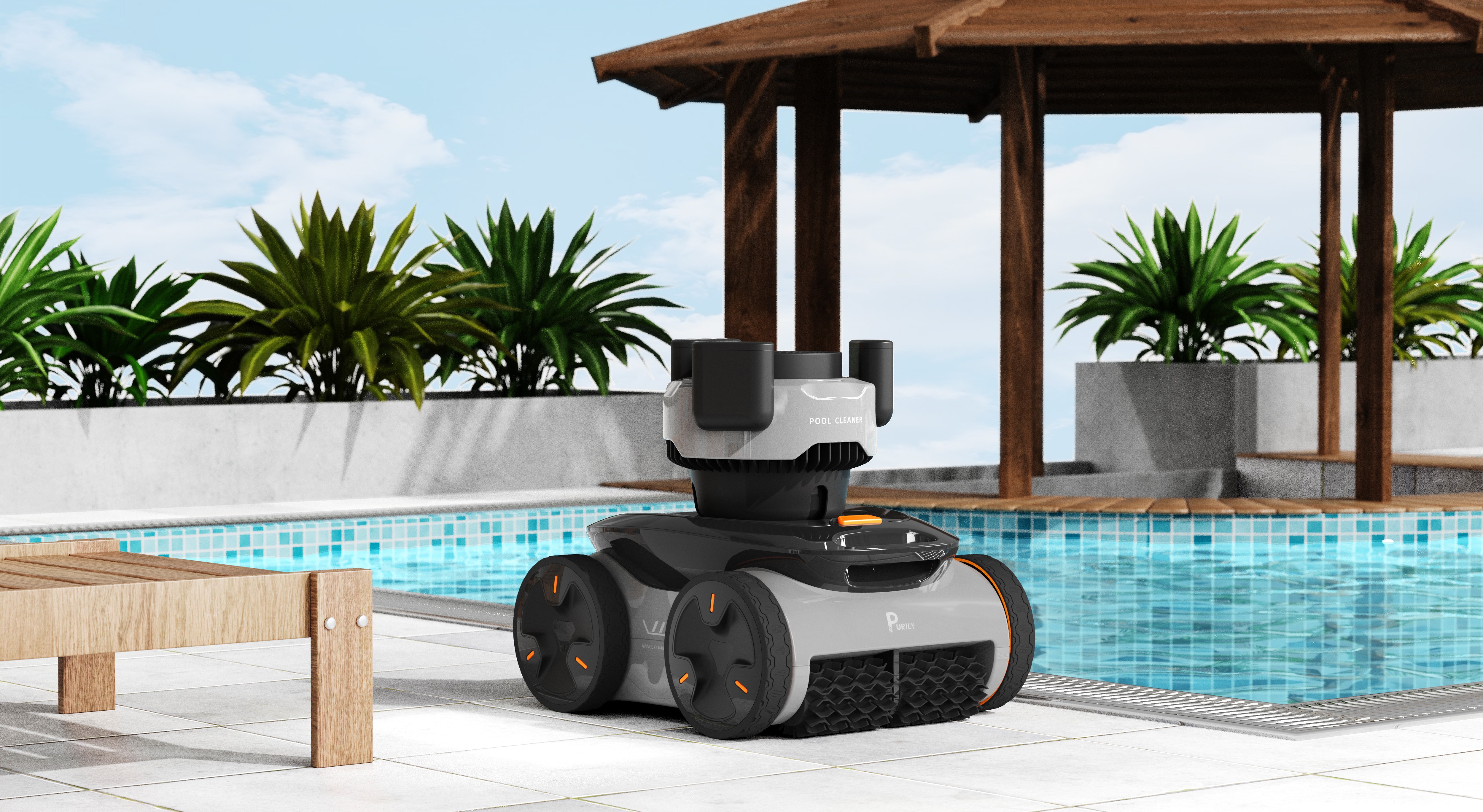
How Often to Run Pool Robot in Summer vs Winter: Seasonal Schedule
Maintaining crystal-clear pool water requires adjusting your pool robot's cleaning schedule throughout the year. Purily recommends tailoring your cleaning frequency based on seasonal factors like temperature, debris levels, and pool usage patterns. This comprehensive guide breaks down optimal cleaning schedules for each season, helping you maximize efficiency while keeping your pool pristine.
1. Summer Cleaning Frequency: High-Usage Season
1.1 Peak Season Operation
During summer months, when water temperatures exceed 75 degree F (24 degree C), algae growth accelerates dramatically. Run your pool robot 4-5 times per week to combat increased debris from swimmers, leaves, and organic matter. This frequency prevents algae buildup and maintains water clarity during peak usage periods.
Daily cleaning after heavy pool parties
Evening runs to capture daytime debris
Extended cleaning cycles (2-3 hours)
Focus on high-traffic areas like steps and corners
1.2 Weather Considerations
Summer storms and high winds can dramatically increase debris load. After significant weather events, run your pool robot immediately to prevent clogging of filtration systems. Purily suggests monitoring weather forecasts and scheduling additional cleaning cycles when storms are predicted.
2. Winter Cleaning Frequency: Low-Maintenance Season
2.1 Reduced Operation Schedule
When water temperatures drop below 60°F (15.5°C), algae growth slows significantly. Reduce pool robot operation to 1-2 times per week during winter months. This schedule maintains basic cleanliness while conserving energy and extending equipment life during the off-season.
Weekly deep cleaning cycles
Focus on removing fallen leaves and debris
Shorter cleaning cycles (1-2 hours)
Prioritize pool cover maintenance
2.2 Temperature Correlation Data
Research shows that pool robot efficiency decreases by approximately 30% in water below 60°F due to reduced pump flow and chemical activity. This temperature correlation explains why less frequent cleaning suffices during colder months while still maintaining acceptable water quality standards.
3. Transitional Seasons: Spring and Fall Schedules
3.1 Spring Startup Protocol
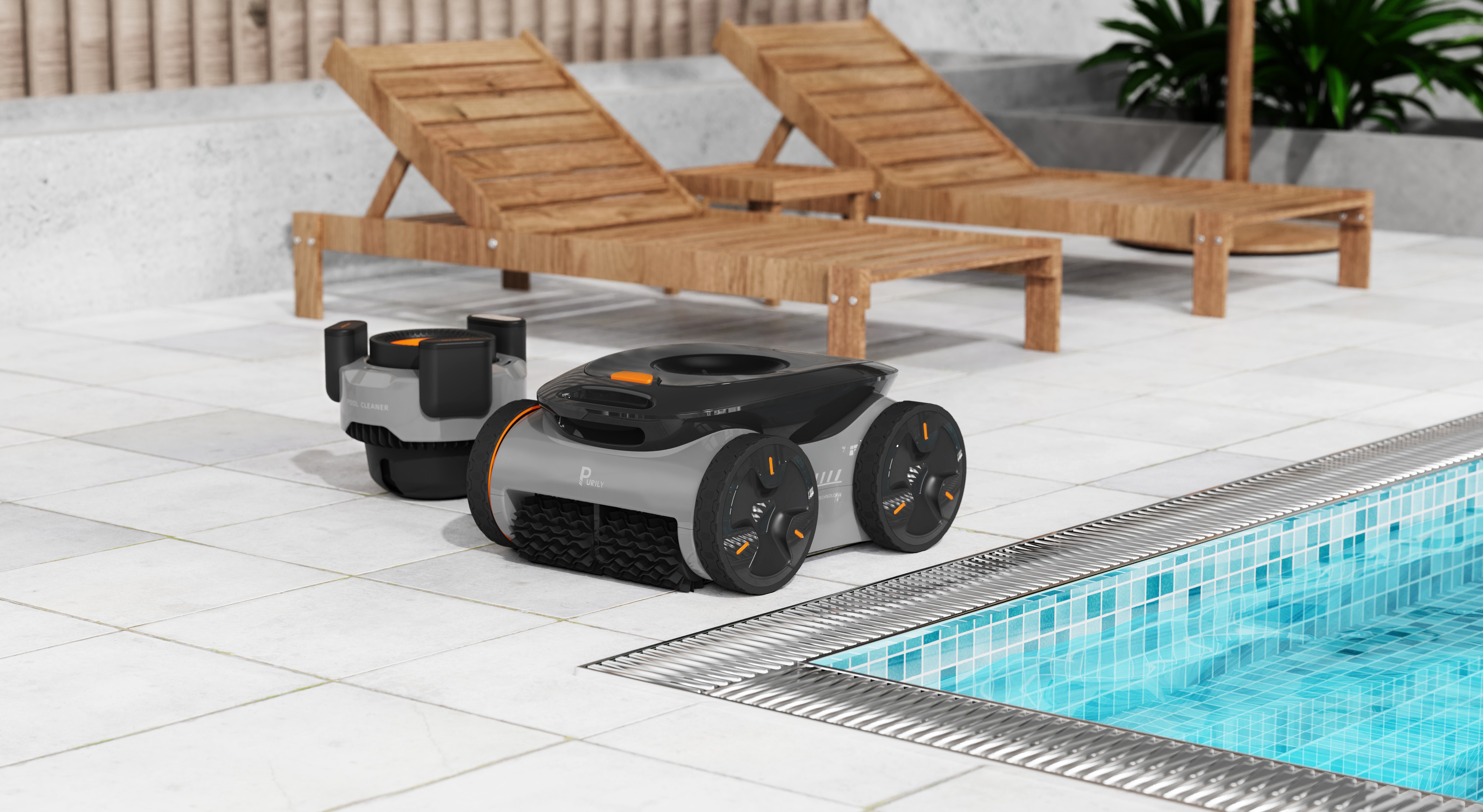
As temperatures rise from winter lows, gradually increase cleaning frequency. Start with 2-3 weekly runs in early spring, ramping up to full summer schedule by late spring. This gradual approach allows your pool system to adjust without overwhelming filtration capacity.
3.2 Fall Preparation Schedule
During fall, when leaves are abundant, increase cleaning to 3-4 times weekly despite cooler temperatures. This prevents leaf accumulation that can stain pool surfaces and clog filtration systems. Purily recommends scheduling cleaning before and after significant leaf-fall events.
Pro Tip: Purily's technical team suggests using your pool robot's smart scheduling features to automatically adjust cleaning frequency based on water temperature sensors for optimal year-round maintenance.
Seasonal Comparison Chart
Season | Water Temp | Cleaning Frequency | Cycle Duration |
|---|---|---|---|
Summer | >75°F | 4-5 times/week | 2-3 hours |
Spring/Fall | 60-75°F | 2-4 times/week | 1-2 hours |
Winter | <60°F | 1-2 times/week | 1-2 hours |
By following these seasonal guidelines, you'll maintain optimal pool cleanliness while maximizing your pool robot's efficiency and lifespan. Remember that local climate conditions may require slight adjustments to these schedules for the best results.
Pool Robot Daily vs Weekly Usage: Finding Your Perfect Balance
Choosing between daily and weekly pool robot operation depends on your specific needs and pool conditions. Purily experts recommend evaluating factors like debris load, pool usage, and energy costs to determine the optimal cleaning frequency for your situation.
1. Daily Operation Benefits
1.1 Consistent Water Quality
Daily cleaning maintains optimal water clarity by removing debris before it decomposes. This prevents algae growth and reduces chemical demand by up to 30% according to industry studies.
Regular filtration also extends equipment life by preventing debris buildup in pumps and filters.
1.2 Immediate Debris Removal
Prevents leaves and organic matter from sinking
Reduces staining on pool surfaces
Maintains consistent water chemistry
Eliminates overnight debris accumulation
2. Weekly Operation Advantages
2.1 Energy and Cost Savings
Weekly cycles significantly reduce electricity consumption and equipment wear. Most pool owners report 40-60% lower energy costs compared to daily operation.
This approach works well for pools with minimal debris exposure or seasonal use.
2.2 Extended Equipment Lifespan
Reduces motor runtime hours
Decreases filter cleaning frequency
Lowers replacement part costs
Minimizes cable wear and tear
3. Decision-Making Factors
3.1 Pool Usage Patterns
High-traffic pools benefit from daily cleaning to maintain sanitary conditions. Purily recommends daily operation for pools used more than 4 times per week or in commercial settings.
Less frequent use allows for weekly cleaning schedules without compromising water quality.
3.2 Environmental Considerations
Surrounding vegetation and climate impact debris accumulation rates. Pools near trees or in windy areas may require daily cleaning during fall seasons.
Consider running your robot daily during peak debris seasons and weekly during maintenance periods.
Pro Tip: Purily's technical team suggests starting with weekly operation and adjusting based on water clarity and chemical balance readings over a 30-day period.
How Long Should You Run Your Pool Robot Each Cycle?
Determining the optimal cycle time for your pool robot is crucial for maintaining crystal-clear water while maximizing energy efficiency. Most pool owners find that running their robotic cleaner for 2-3 hours per cycle strikes the perfect balance between thorough cleaning and operational cost. Purily recommends adjusting cycle duration based on your pool's specific conditions and usage patterns.
1. Factors Affecting Cycle Duration
1.1 Pool Size and Shape
Larger pools naturally require longer cleaning cycles to ensure complete coverage. A standard 40x20 foot pool typically needs 2.5-3 hours for thorough cleaning, while smaller pools may only require 1.5-2 hours. Irregularly shaped pools with multiple curves or corners might need additional time for the robot to navigate effectively.
Pool depth variations also impact cleaning time, as robots must work harder to clean walls and steps in deeper sections. Consider running longer cycles if your pool has significant depth changes or multiple levels.
1.2 Debris Load and Seasonality
Heavy leaf fall in autumn may require 3-4 hour cycles
Summer pollen season often needs extended cleaning time
Post-storm cleaning should run at maximum cycle duration
Minimal debris in winter might only need 1-1.5 hours
According to industry data, pools surrounded by trees typically accumulate 30-40% more debris than those in open areas. This directly correlates with the need for longer cleaning cycles during peak debris seasons.
2. Optimal Cycle Time Recommendations
2.1 Standard Operating Schedule
For most residential pools, running your robot 2-3 times per week during peak season provides optimal cleanliness. Each cycle should last 2-2.5 hours for pools in regular use. Purily experts suggest programming your robot during off-peak electricity hours to maximize energy savings without compromising cleaning effectiveness.
During shoulder seasons (spring and fall), you can reduce frequency to 1-2 times per week while maintaining the same 2-2.5 hour cycle duration. This approach ensures consistent water quality while reducing operational costs by approximately 25-30%.
2.2 Custom Cycle Programming
Many modern pool robots offer multiple cycle options. Use the following guidelines for optimal results:
Quick Clean: 1 hour for light maintenance between full cycles
Standard Clean: 2 hours for regular weekly cleaning
Deep Clean: 3 hours for heavy debris or post-event cleaning
Pro Tip: Purily's technical team recommends starting with the standard 2-hour cycle and adjusting based on water clarity and debris accumulation patterns over two weeks.
2.3 Signs You Need to Adjust Cycle Time
Monitor your pool's cleanliness to determine if cycle adjustments are needed. If you notice persistent debris in corners or on steps after a cycle, consider extending cleaning time by 30 minutes. Conversely, if your pool remains spotless with minimal debris accumulation, you might reduce cycle duration to save energy.
Water chemistry also provides clues about cleaning effectiveness. Consistently clear water with balanced chemistry typically indicates your cycle time is appropriate. Cloudy water or rapid algae growth may signal the need for longer or more frequent cleaning cycles.
Signs Your Pool Robot Needs More Frequent Cleaning Cycles
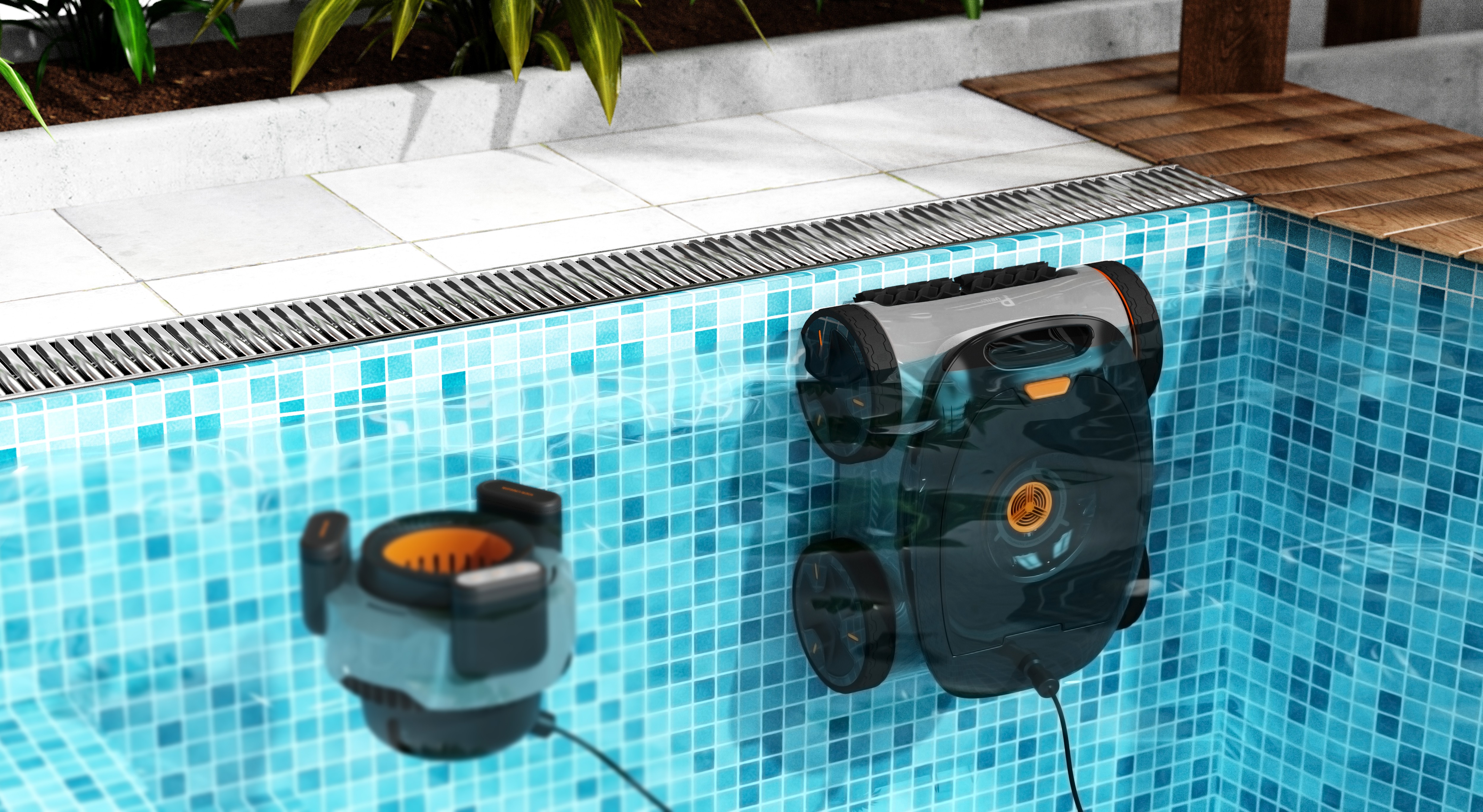
Maintaining optimal pool cleanliness requires monitoring your robotic cleaner's performance. When your pool robot isn't keeping up with debris removal, it's time to reassess your cleaning schedule. Purily recommends observing these key indicators to determine if increased cleaning frequency is necessary for maintaining crystal-clear water quality.
1. Visible Debris Accumulation
1.1 Surface and Floor Debris
Excessive leaves, dirt, or organic matter remaining after cleaning cycles indicates insufficient coverage. When you can see debris floating or settled on pool surfaces within 24-48 hours post-cleaning, your robot's current schedule isn't adequate.
According to pool maintenance studies, visible debris accumulation exceeding 15% of surface area suggests cleaning frequency should increase by at least one additional cycle per week.
1.2 Filter Basket Fill Rate
Filter basket fills completely before cycle completion
Debris visible in basket after each use
Requires emptying mid-cycle for optimal performance
Reduced suction power due to clogged filters
2. Water Quality Issues
2.1 Algae Growth Patterns
Recurring algae spots or green tint developing between scheduled cleanings signals inadequate filtration. Algae typically begins forming within 72 hours in warm conditions when cleaning frequency is insufficient.
Pool chemistry experts note that algae growth in corners or shaded areas specifically indicates your robot isn't reaching these spots often enough.
2.2 Chemical Balance Fluctuations
When debris accumulates, it affects chlorine consumption and pH stability. You may notice increased chemical usage or more frequent water testing requirements.
Water chemistry imbalances requiring chemical adjustments more than twice weekly often correlate with insufficient cleaning frequency.
3. Performance Degradation Signs
3.1 Extended Cleaning Times
If your robot takes longer to complete its programmed cycle, it may be struggling with excessive debris load. Standard cleaning cycles should maintain consistent duration under normal conditions.
Performance monitoring shows robots operating 30% longer than baseline indicate the need for more frequent cleaning schedules.
3.2 Reduced Mobility or Navigation Issues
Robot gets stuck more frequently on obstacles
Missed spots in regular cleaning patterns
Difficulty climbing walls or navigating steps
Unusual noises during operation
Pro Tip: Purily's technical specialists recommend establishing a baseline cleaning cycle duration and monitoring for 15% increases, which typically indicate your pool robot needs more frequent cleaning cycles to maintain optimal performance.
4. Environmental Factors Impact
4.1 Seasonal Debris Variations
During autumn months or after storms, increased leaf fall and organic matter requires adjusting cleaning frequency. What works during summer may prove insufficient during high-debris seasons.
Environmental monitoring shows debris load can increase 200-300% during peak leaf-fall periods, necessitating schedule adjustments.
4.2 Pool Usage Intensity
Higher swimmer traffic introduces more contaminants, sunscreen oils, and organic matter. Pools experiencing heavy weekend usage particularly benefit from mid-week additional cleaning cycles.
Usage tracking data indicates pools with 4+ weekly swimmers require 30% more frequent cleaning than low-traffic installations.
Monitoring these signs helps optimize your pool robot's cleaning schedule for consistently clear, healthy water while extending equipment lifespan through appropriate workload management.
5 Expert Tips to Optimize Your Pool Robot Schedule for Maximum Efficiency
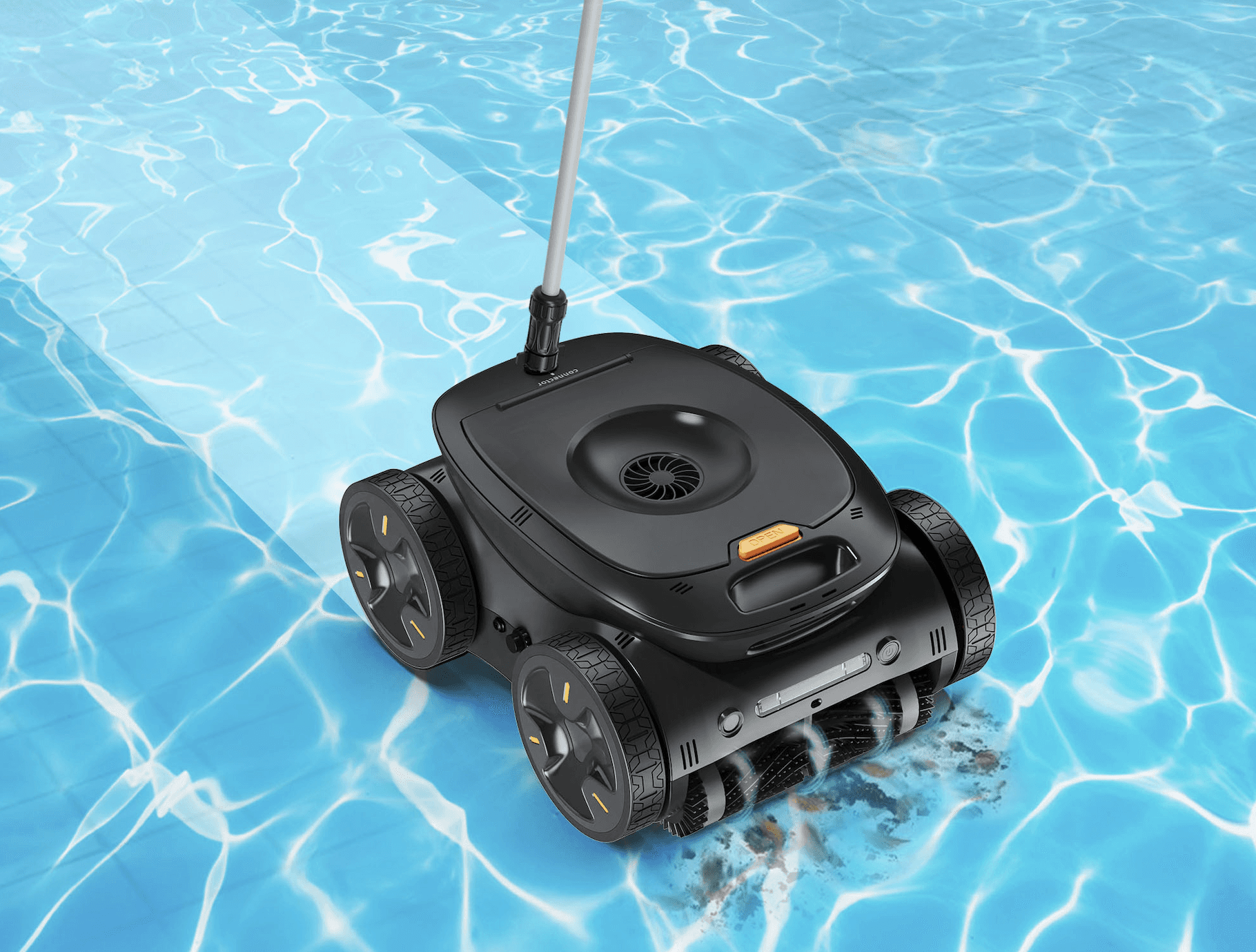
Determining how often to run your pool robot depends on multiple factors including pool size, usage patterns, and environmental conditions. According to industry experts, optimizing your cleaning schedule can reduce energy costs by up to 30% while maintaining crystal-clear water quality. Purily technicians recommend starting with these professional guidelines to create an efficient cleaning routine.
1. Analyze Your Pool's Usage Patterns
1.1 Track Swimming Frequency
Monitor how often your pool is used throughout the week. Heavy usage typically requires daily cleaning, while occasional use may only need 2-3 sessions weekly. Purily's data shows pools with daily swimmers accumulate 40% more debris than those used weekly.
1.2 Consider Seasonal Variations
Adjust your schedule based on seasonal debris levels. Spring pollen and fall leaves can increase cleaning needs by 50%. During peak seasons, running your robot 1-2 extra times weekly prevents buildup and maintains water clarity.
2. Match Robot Runtime to Pool Size
2.1 Calculate Cleaning Coverage
Most pool robots clean approximately 4,000-5,000 square feet per hour. For a standard 20x40 foot pool, this translates to 1-2 hours of cleaning time. Larger pools may require multiple shorter sessions rather than one extended run.
2.2 Optimize Cycle Duration
Running your robot for longer than necessary wastes energy without improving results. Purily recommends starting with 2-hour cycles and adjusting based on cleanliness. Many users find optimal results with 90-minute sessions.
3. Schedule Around Environmental Factors
3.1 Account for Weather Conditions
Run after heavy winds to remove debris
Schedule additional cycles during storms
Clean more frequently in high pollen seasons
Adjust for local foliage patterns
3.2 Plan Around Chemical Treatments
Run your robot 4-6 hours after adding chemicals to allow proper distribution. This timing ensures the robot effectively removes settled particles while protecting its filtration system from concentrated chemical exposure.
4. Implement Smart Scheduling Technology
4.1 Use Programmable Timers
Modern pool robots offer scheduling features that automate cleaning cycles. Setting consistent cleaning times improves efficiency by 25% compared to manual operation. Purily's smart models learn your pool's patterns and suggest optimal schedules.
4.2 Monitor Performance Metrics
Track cleaning effectiveness through water clarity measurements and debris collection. Most efficient schedules show a 15-20% improvement in water quality within the first month of optimization.
5. Maintain Your Robot for Peak Performance
5.1 Clean Filters Regularly
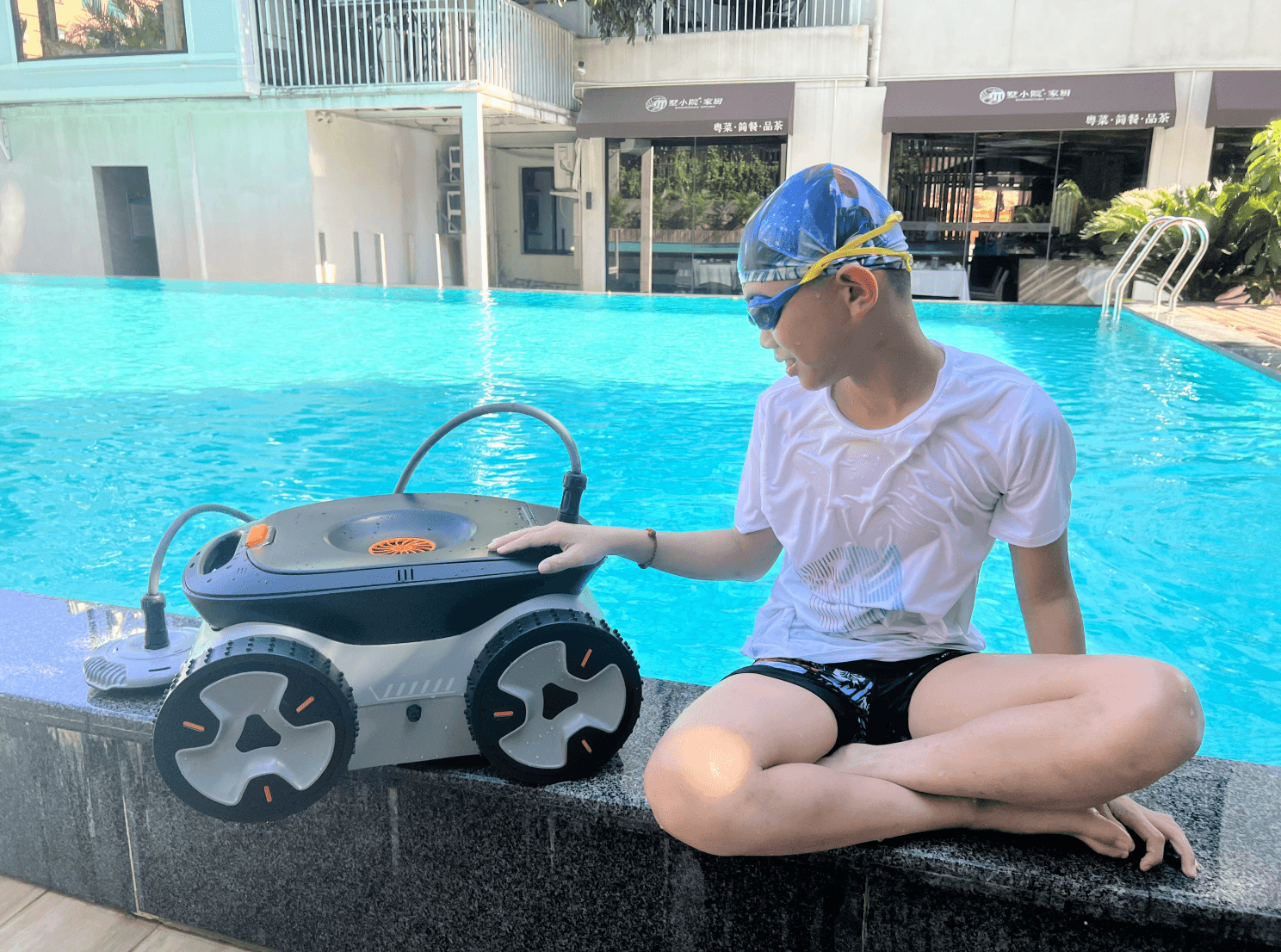
Clogged filters reduce cleaning efficiency by up to 60%. Rinse filters after every 2-3 cleaning cycles and replace them according to manufacturer guidelines. Well-maintained robots use 30% less energy while providing superior cleaning.
5.2 Check Moving Parts
Inspect brushes, tracks, and wheels weekly for wear. Worn components can decrease cleaning coverage by 40%. Purily recommends replacing brushes every 6-12 months depending on usage intensity.
Pro Tip: Purily experts suggest starting with a 4-day cleaning cycle and adjusting based on water clarity and debris levels. Most pools achieve optimal results with 3-4 cleaning sessions weekly.